


- Auto-updates the game client
- HD sprites
- Smooth gameplay
- Built-in Eloria Bot with ZeroBot-like scripting
Eloria Client is based on OTClient, an open-source project. Credit belongs to the OTClient authors and contributors; see the upstream MIT license. Third-party components retain their respective licenses.
The client is provided “as is” and “as available”, without warranties to the extent permitted by law. You download, install and use it at your own risk. To the extent permitted by law, Eloria and its operators disclaim liability for damage to your computer, loss of data, or other loss arising from installing or using the client. Nothing in this notice limits your statutory rights or excludes liability that cannot lawfully be excluded.
Read the software notice
PLAY IN YOUR BROWSER
Eloria Web BETA
Your adventure, wherever you are. Play on your iPhone, Android phone or tablet — with the same account and characters.
- Touch controls
- Home screen app
- Same Eloria server
Use Wi-Fi for your first launch. The game downloads about 300 MB of data.
Beta status & device requirements
Eloria Web is in beta. Some windows and touch controls are still being improved, and you may encounter bugs. The Windows client remains the full experience.
Recommended: a phone or tablet from around 2020 or newer with at least 4 GB of RAM. iPhone and iPad: iOS / iPadOS 16.4 or newer. Android: Android 10 or newer with an up-to-date Chrome. Older or low-memory devices may close the game or reload the page.
Also available on Windows, macOS and Linux with an up-to-date Chrome, Edge, Firefox or Safari browser.
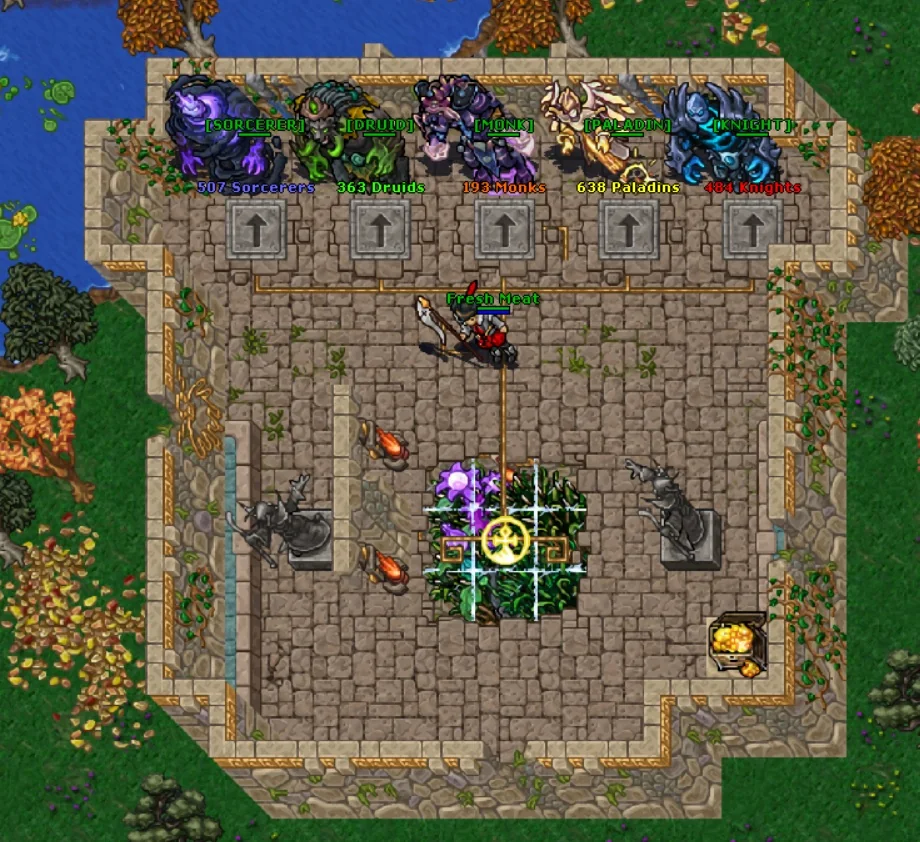








earn Twitch Statue + up to 250 Eloria Coins
Characters Market

- Max health
- 21,890
- Max mana
- 32,710


 T3
T3  T3
T3 


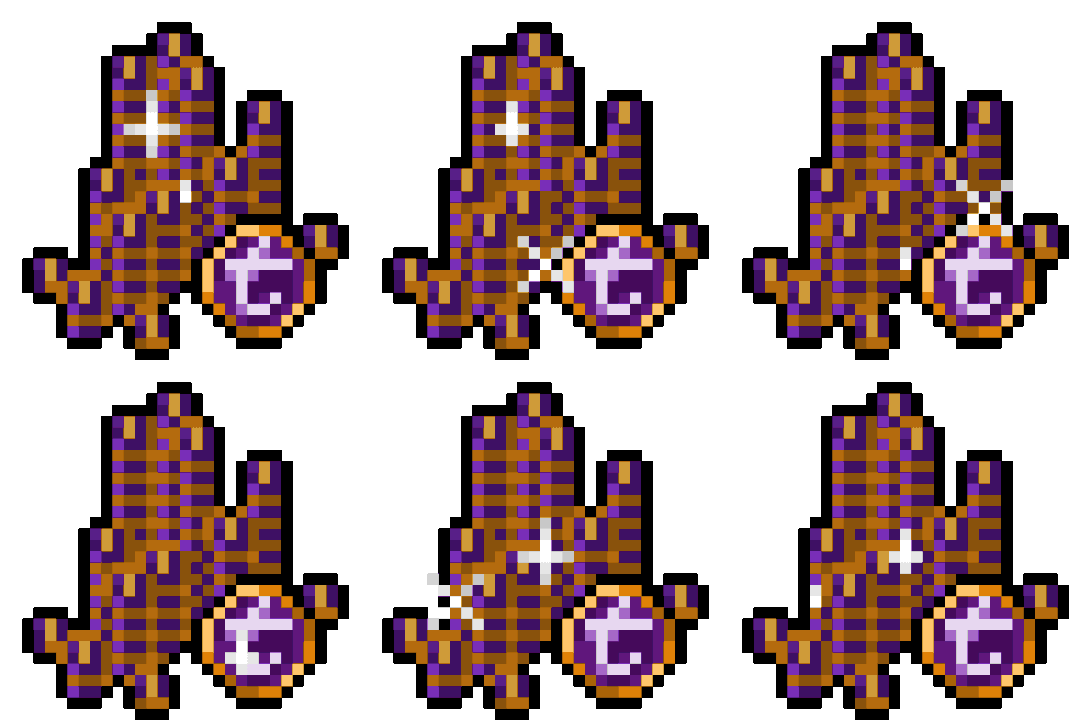 3,900Eloria Coins